ECU-TUNINGFILES.COM / B2B FILE SERVICE
ECU tuning files
& remapping files
for workshops
ECU and TCU tuning files for workshops already working with a flash tool. Upload your original file and request Stage 1, Stage 2 or transmission software through the file portal.
Established tools. A shared workflow.





VEHICLE / STAGE 1
What's possible with your vehicle?
Choose the model and engine to compare stock and Stage 1 figures.
02 / THE WORKFLOW
From original file
to your calibration.
The full process- 01
Register for the file portal
Create a portal account and clarify the tool connection.
- 02
Read the original software
Check vehicle condition, identify the ECU and save the original data.
- 03
Upload file & configuration
Choose the service and credits; include hardware and requested changes.
- 04
Receive your tuning file
Download the processed file and resolve any technical questions.
- 05
Write software & verify
Write with the appropriate protocol and check diagnosis and logs.
03 / YOUR DEVELOPMENT PARTNER
Your vehicle.
Our expertise.
One precise file.
A tuning file must fit the vehicle. The original software, ECU version and installed components form the basis of our work. Your workshop stays close to the customer; our file service supports the software development.
Discover the file service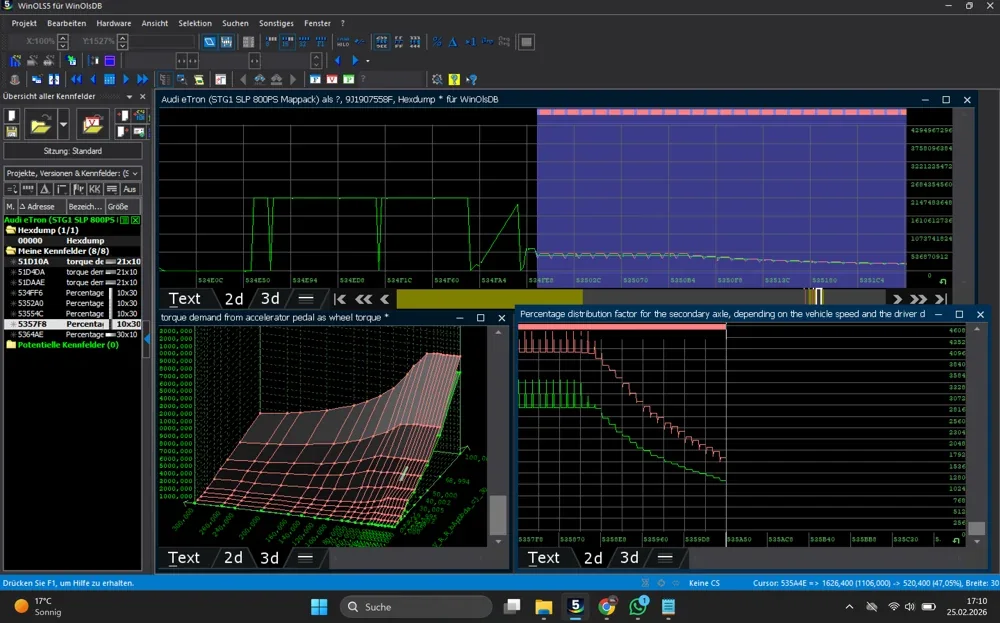
04 / OUR SERVICES
Software for
your requirements.
ECU / STOCK HARDWARE
Stage 1 Tuning Files
Individual ECU calibration for stock hardware, based on your original software and vehicle configuration.
ECU / HARDWARE UPGRADES
Stage 2 Tuning Files
Software development for modified hardware, with components, fuel and intended use considered together.
TCU / DSG / AUTOMATIC
TCU & transmission software
Shift behaviour and torque management matched to the engine configuration for supported transmissions.
EFFICIENCY / OPERATING PROFILE
ECO tuning
Torque delivery tailored to the operating profile, including fleet and commercial vehicle applications.
DEVELOPMENT / WINOLS
ECU remapping
Individual adjustments for specific technical requirements, developed using WinOLS.
OPTIONS / INDIVIDUAL
Further software solutions
Vmax, pop & bang, agricultural tuning and further software options. Confirm feasibility and intended use first.
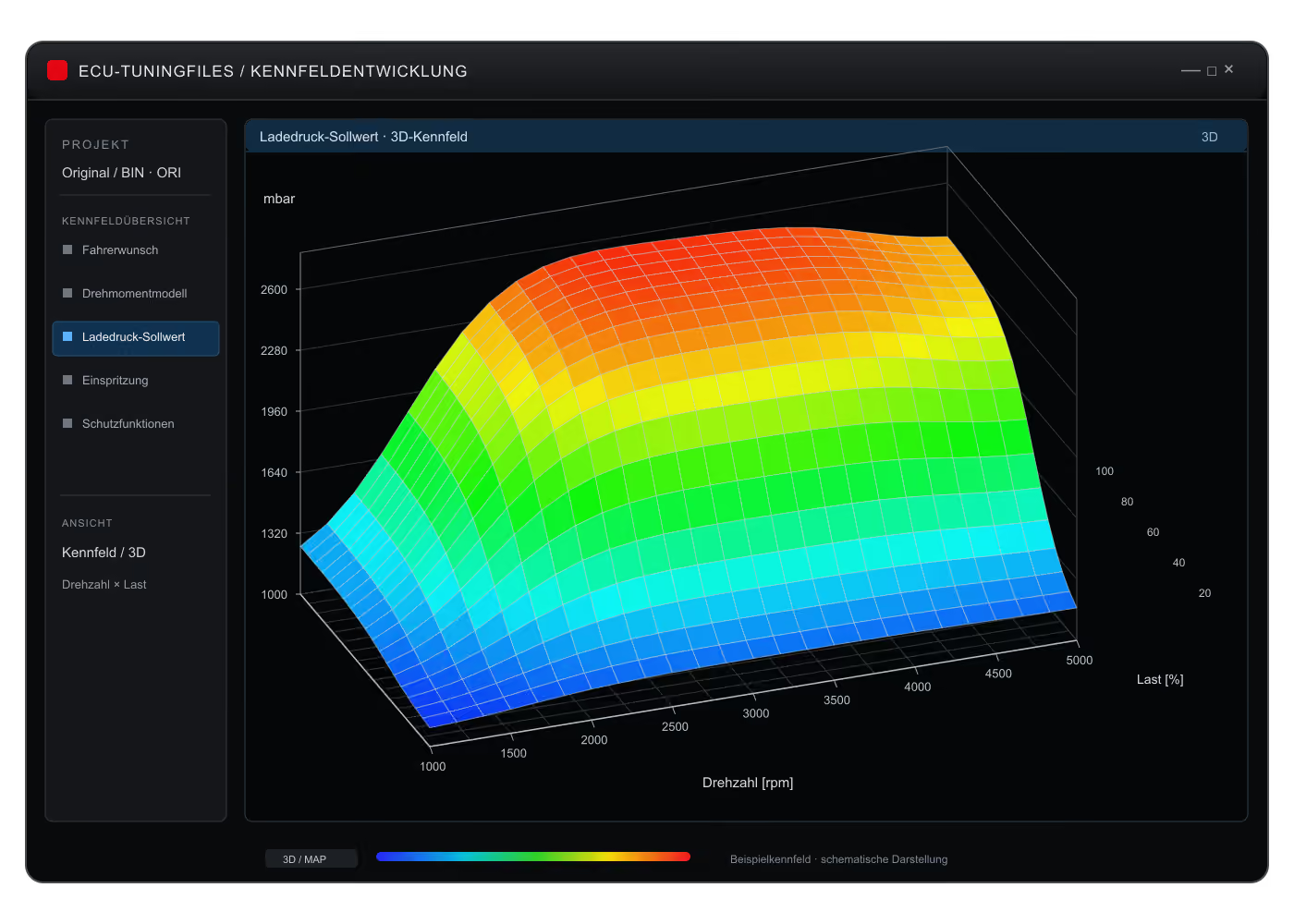
WINOLS / ECU
Calibration development in detail.
The original software is the starting point for individual calibration. Explore the technical background of our work.
Explore map development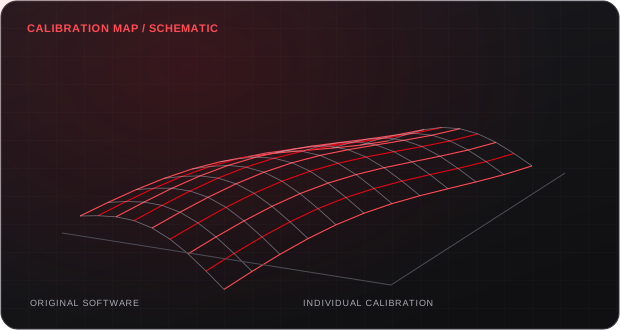
05 / BUILT FOR THE WORKSHOP
Technical depth.
Direct communication.
From the first job to demanding configurations: clear information and a direct technical contact make development more efficient.
Individual software development
ECU identification, software version and the original file define the starting point.
Development & validation
Where applicable, development measurements support the calibration. Vehicle-specific diagnosis and checks remain essential.
Efficient processing & support
Complete job data reduces follow-up questions. The portal keeps files, requests and order status together.
For new and experienced tuners
Coordinate flash tools, file formats and technical requirements before the first order.
06 / USE THE FILE SERVICE
Your original file.
Our file service.
Use the portal to submit the original read, ECU or TCU identification and the work you need. Tell us which flash tool and read method you use. For encrypted slave files, confirm the master connection before the first job.
About our file service
What is a chiptuning file service?
The workshop reads the original ECU or TCU software and submits the vehicle configuration and requested changes. We develop the modified file. Vehicle diagnosis, writing the software and checking the result remain the responsibility of the workshop.
Can I offer tuning without developing maps myself?
Yes. A professional file service can handle map development. Your business still needs trained staff, an appropriate flash tool, stable power support and a suitable workspace. Vehicle condition and correct application must be checked locally.
How do I order?
Register in the customer portal, obtain the required credits and upload the original file. Include vehicle details, ECU identification, software version, flash tool, hardware changes and requested options. The completed file is made available for download in the portal.
How long does processing take?
File processing takes 15–30 minutes on average. Technical questions, unusual software versions or extensive development may require more time. Ask for an estimate for your particular order in the portal or from support.
Do you offer Mapswitch files?
Yes. We develop Mapswitch files for the ECUs listed on the Mapswitch service page. Calibration variants, switching controls and the vehicle setup are agreed first. No Mapswitch credit price is currently listed.
What are the base prices?
Stage 1 costs €100.00 / 1 Credit, Stage 2 €140.00 / 1.4 Credits, Stage 3 €250.00 / 2.5 Credits, ECO tuning €90.00 / 0.9 Credits and TCU tuning €80.00 / 0.8 Credits. VMax Off is included in Stage 1 and Stage 2. Additional options are charged separately. Prices are net plus statutory VAT; the portal order confirmation applies.
KNOWLEDGE FOR YOUR BUSINESS
PRACTICAL FILE-SERVICE GUIDES
Prepare the next order.
Confirm the tool connection, choose a matched file and plan the checks at the vehicle.
TUNING FILES / WORKSHOP WORKFLOW
A tuning file is part of a vehicle-specific job
An ECU tuning file is an edited software dataset for a particular engine controller. A TCU file addresses the transmission controller. Your flash tool handles reading and writing; the file service handles the requested calibration work. Choosing the correct file therefore involves more than selecting a car model and a power figure. Controller identification, software revision, read method and the format delivered by the tool all matter.
Our role is to support the workshop with in-house file development. You provide the original data and describe the vehicle, installed parts and intended use. We review the requested work against that starting point. The workshop carries out the physical checks, writes the confirmed file and verifies the result on the vehicle. This division keeps the file order tied to an identifiable vehicle rather than an anonymous download.
Explore tuning files and quality checks →Select the calibration work before selecting options
For stock hardware, Stage 1 is the starting point for discussing an ECU calibration. Stage 2 work follows the actual hardware configuration, not a universal list of parts or a fixed power promise. Describe changes to the turbocharger, charge cooling, exhaust and fuel system when relevant. Include the fuel used and any existing software changes so the requested file has a clear technical brief.
Transmission work is a separate enquiry. A DSG or automatic gearbox file needs the correct TCU identification and a clear description of the intended behaviour. Pops and bangs, speed-limiter changes and Mapswitch are also checked against the controller and software. For development work in your own editor, DAMOS and MapPacks provide a different type of resource: they describe calibration structures rather than supplying a ready-to-write engine tune.
Autotuner files: identify the read you are sending
Tell us which Autotuner protocol and read method produced the original file. OBD, bench and boot access depend on controller support and can expose different data. State whether your tool is Master or Slave before opening the first order; the file path and any Master relationship need to match the service handling the job.
Autotuner file enquiries →KESS3 files: keep engine and transmission data distinct
A KESS3 order should identify the ECU or TCU actually read, the selected protocol and the access mode available under your activation. Send the original tool export without changing its structure. An engine read and a transmission read are separate datasets. Where a Slave configuration is involved, confirm the Master arrangement before purchasing the calibration work.
KESS3 file-service workflow →Flex files: include the protocol and controller details
For Magic Motorsport Flex, include the controller identification and the OBD, bench or boot method used where supported. Explain whether the export contains the calibration area or a broader backup. Keep any tool-specific container intact. Knowing how the data was obtained helps us agree which file is to be edited and which output your writing workflow requires.
Request Flex tuning files →K-TAG files: preserve the original memory exports
K-TAG jobs use the bench or boot procedure supported for the specific controller. Retain the original memory exports and identify the protocol that created them. The file intended for editing is not automatically interchangeable with every item in a full backup. A Master/Slave relationship, if present, is checked before the order moves into development.
K-TAG bench and boot files →From the original read to a traceable revision
Create the file order in the portal and attach the unmodified source data. Include the flash tool, controller identification, read method, hardware configuration and the requested change. Label a virtual read clearly, and tell us if the starting software has already been modified. Maintain a separate original backup rather than using an edited delivery as your only reference.
After delivery, check that the file belongs to the correct order and follow the tool instructions for writing. If a revision is required, keep the delivered version and relevant logs with that order. Describe the operating condition and observed behaviour. A log captured under known conditions provides a better basis for an engineering discussion than an isolated screenshot with no indication of the file or vehicle setup.
Buying tuning files through a credit account
Use the price list to review base services, credit packages and additional options. Confirm what is included before combining selections. The relevant price is the scope agreed for your job; a database entry or an ECU family name does not confirm that every optional function is available. Mapswitch and definition enquiries are scoped separately rather than assigned an invented public credit figure.
Order files and manage credit in the customer portal. Before your first purchase, confirm the tool configuration and export format with the service, especially for an encrypted Slave file.
View prices and credit packages →Speak to the development service with the original data
ECU-Tuningfiles and SL Performance develop the offered files in-house in Bochum, Germany. Contact the technical service through WhatsApp, the contact page or your portal order. Include the software identification and the work you need.
For DAMOS, A2L, WinOLS MapPacks or CSV and JSON definitions, attach the original BIN/ORI file. A controller name is useful for searching the catalogue, but the binary layout and software version determine whether a definition fits. If your model or software reference is not listed, send the original data for review rather than choosing a similar-looking entry as a substitute.